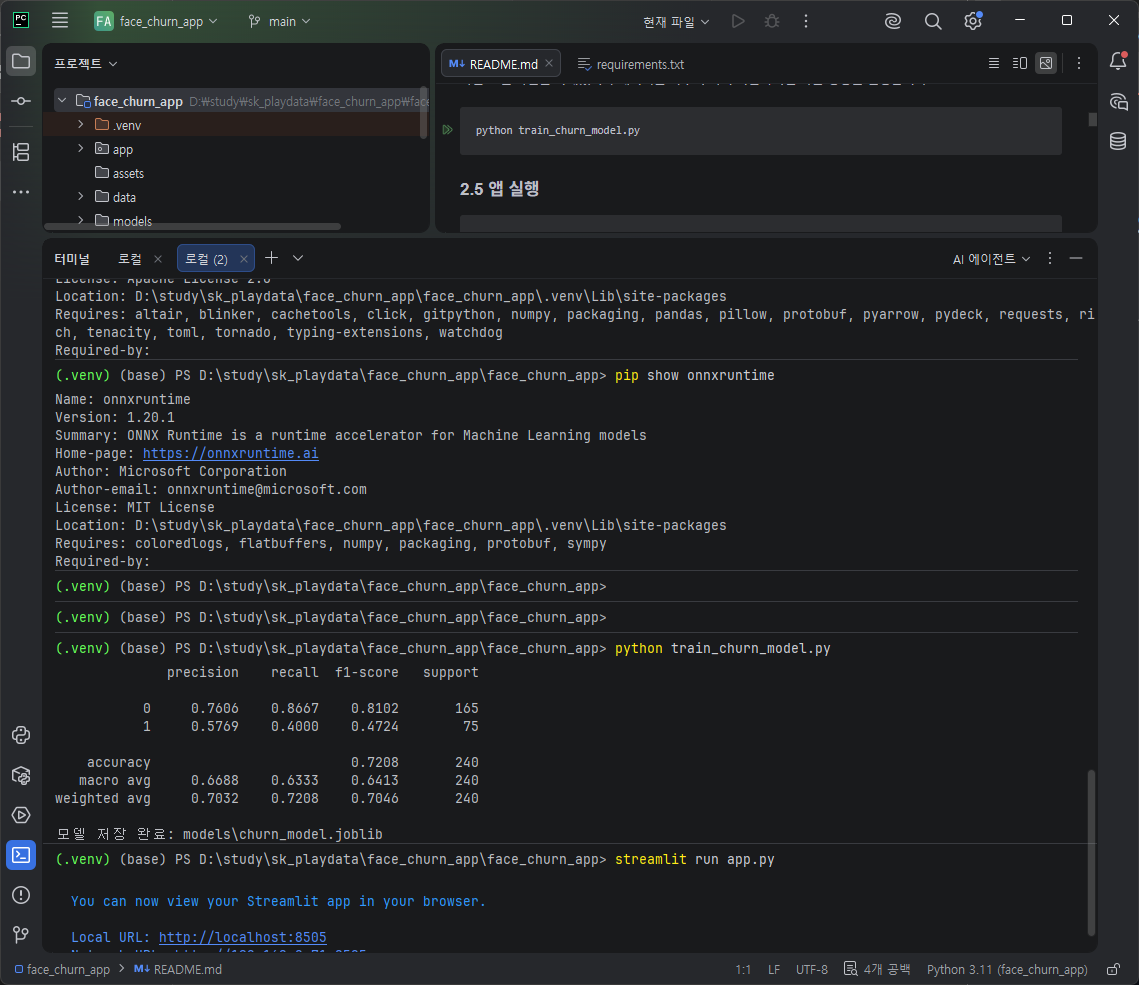
thirdparty\face3d\mesh\cython\setup.py -> build\lib.win-amd64-cpython-311\insightface\thirdparty\face3d\mesh\cython
      running build_ext
      building 'insightface.thirdparty.face3d.mesh.cython.mesh_core_cython' extension
      error: Microsoft Visual C++ 14.0 or greater is required. Get it with "Microsoft C++ Build Tools": https://visualstudio.microsoft.com/visual-cpp-build-tools/
      [end of output]

  note: This error originates from a subprocess, and is likely not a problem with pip.
  ERROR: Failed building wheel for insightface
Failed to build insightface
ERROR: Could not build wheels for insightface, which is required to install pyproject.toml-based projects

[notice] A new release of pip is available: 24.0 -> 26.1.2
[notice] To update, run: python.exe -m pip install --upgrade pip
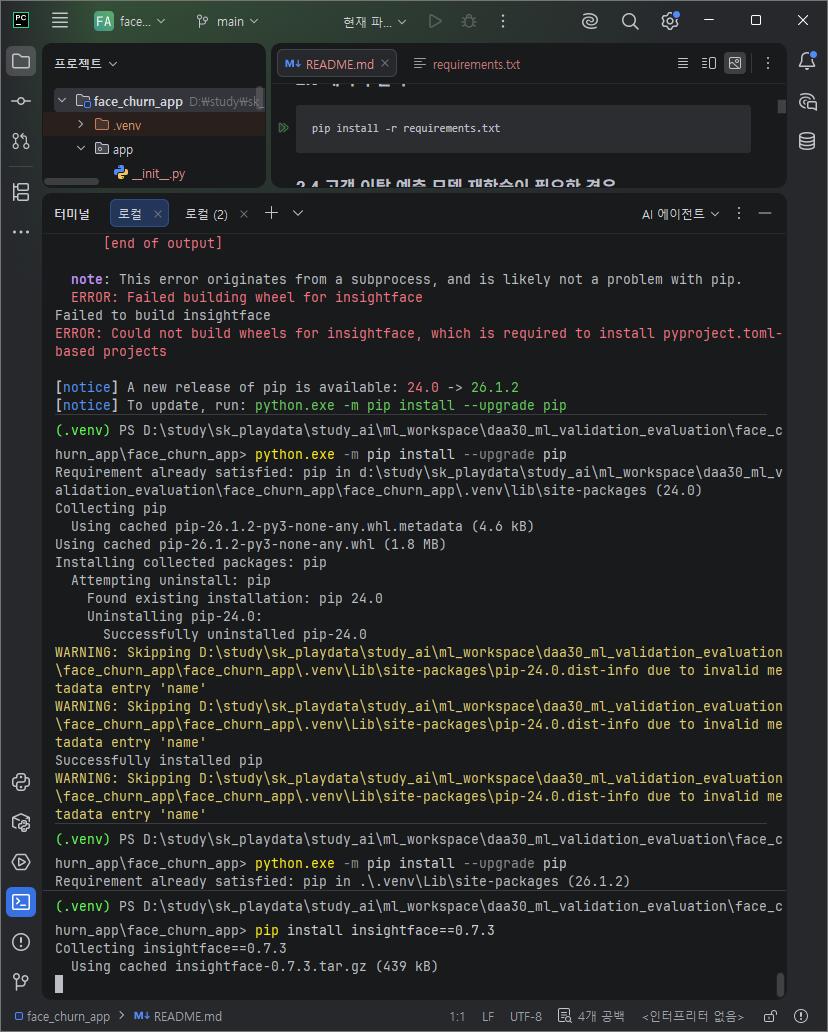
(.venv) PS D:\study\sk_playdata\study_ai\ml_workspace\daa30_ml_validation_evaluation\face_churn_app\face_churn_app> python.exe -m pip install --upgrade pip
Requirement already satisfied: pip in d:\study\sk_playdata\study_ai\ml_workspace\daa30_ml_validation_evaluation\face_churn_app\face_churn_app\.venv\lib\site-packages (24.0)
Collecting pip
  Using cached pip-26.1.2-py3-none-any.whl.metadata (4.6 kB)
Using cached pip-26.1.2-py3-none-any.whl (1.8 MB)
Installing collected packages: pip
  Attempting uninstall: pip
    Found existing installation: pip 24.0
    Uninstalling pip-24.0:
      Successfully uninstalled pip-24.0
https://visualstudio.microsoft.com/ko/visual-cpp-build-tools/?utm_source=chatgpt.com
Microsoft C++ Build Tools - Visual Studio
Visual Studio Build Tools는 IDE 외부에서 Windows에서 C++ 프로젝트를 빌드하는 데 필요한 필수 구성 요소를 제공합니다. 명령줄 작업과 연속 통합 파이프라인에 딱 맞습니다. 여기에는 Visual Studio 2015 이
visualstudio.microsoft.com

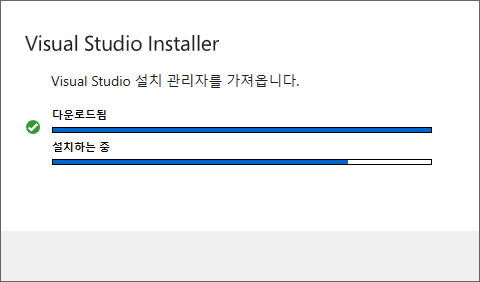
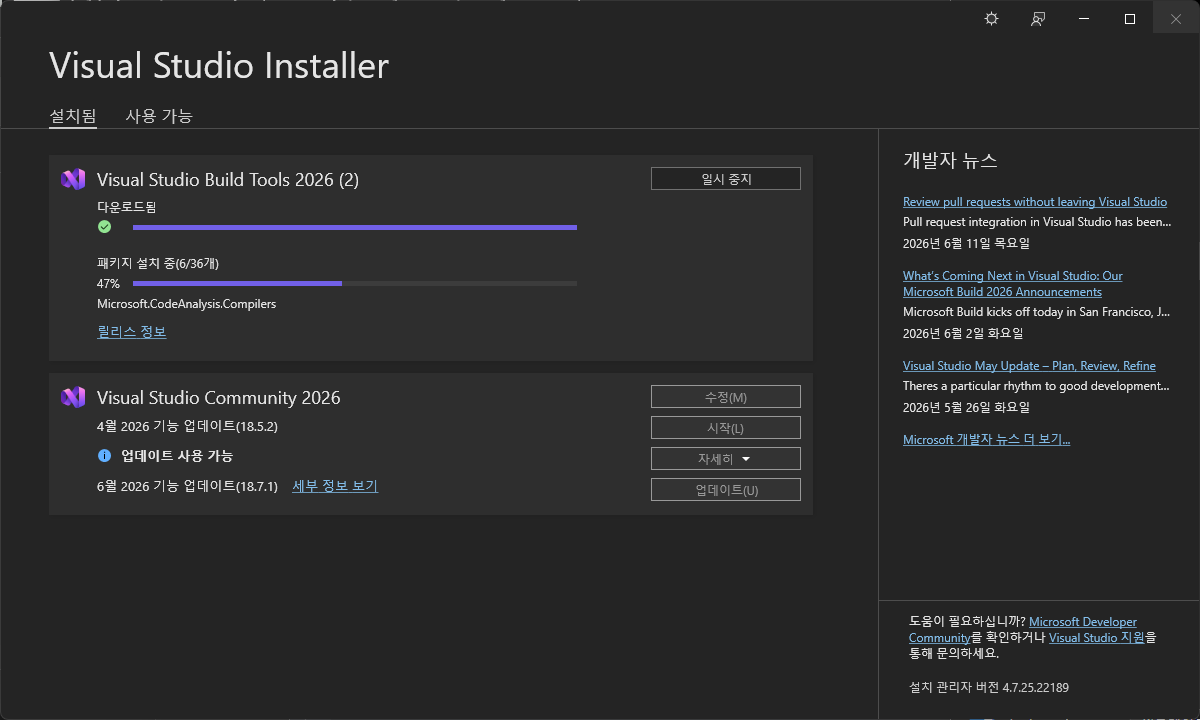
수정 - 워크로드 - Desktop development with C++ 체크 - 설치
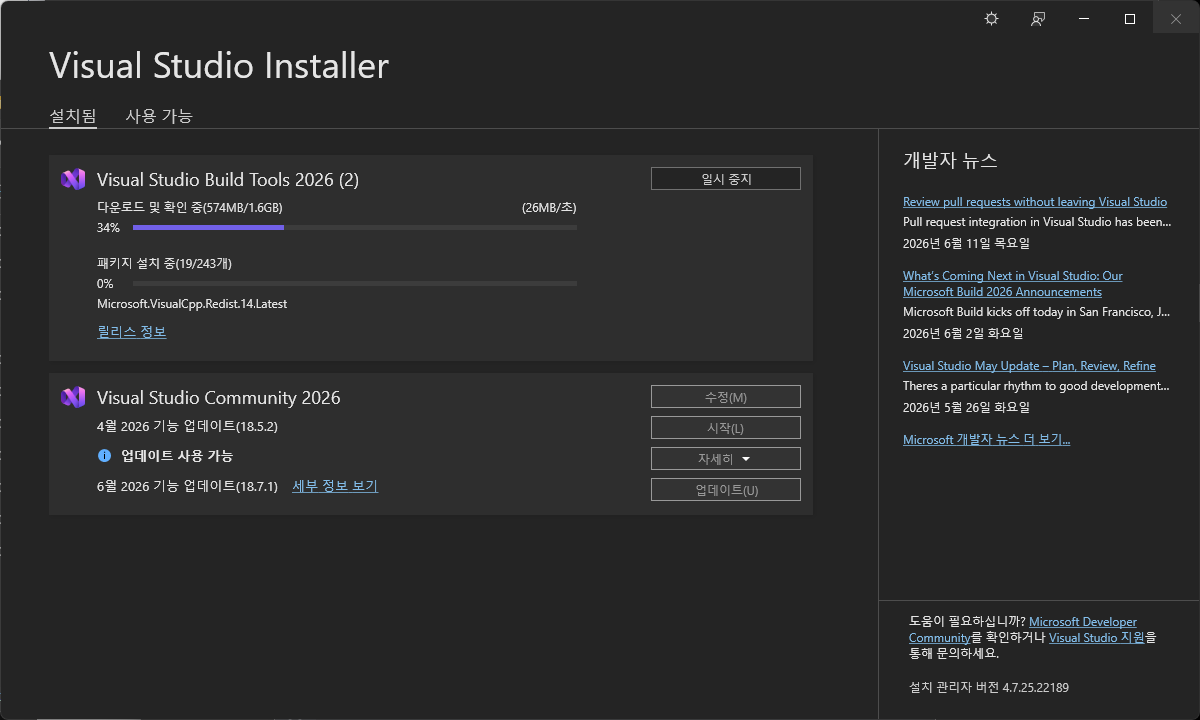
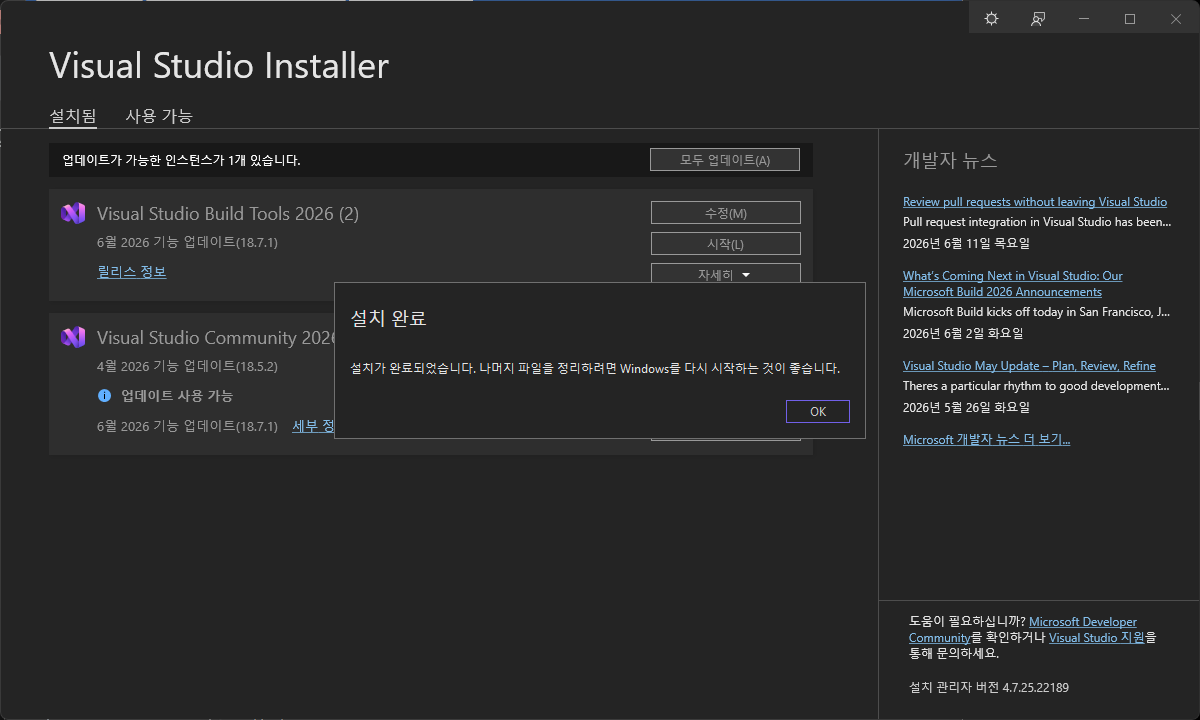
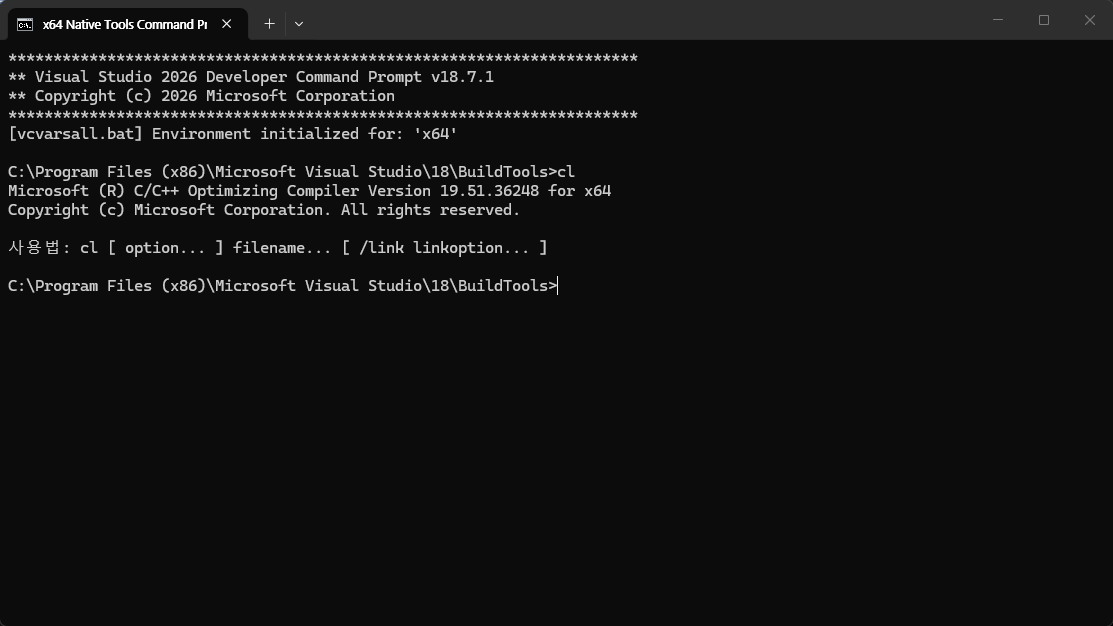
새파워셀 - cl - 정보나올경우 완료.
Microsoft (R) C/C++ Optimizing Compiler

.venv 삭제 및 재설치
설치가 끝나면 cl 컴파일러가 잡혀서 insightface 빌드가 진행된다.
py -3.11 -m venv .venv

.venv\Scripts\activate

pip install -r requirements.txt
완료