설치파일 확인
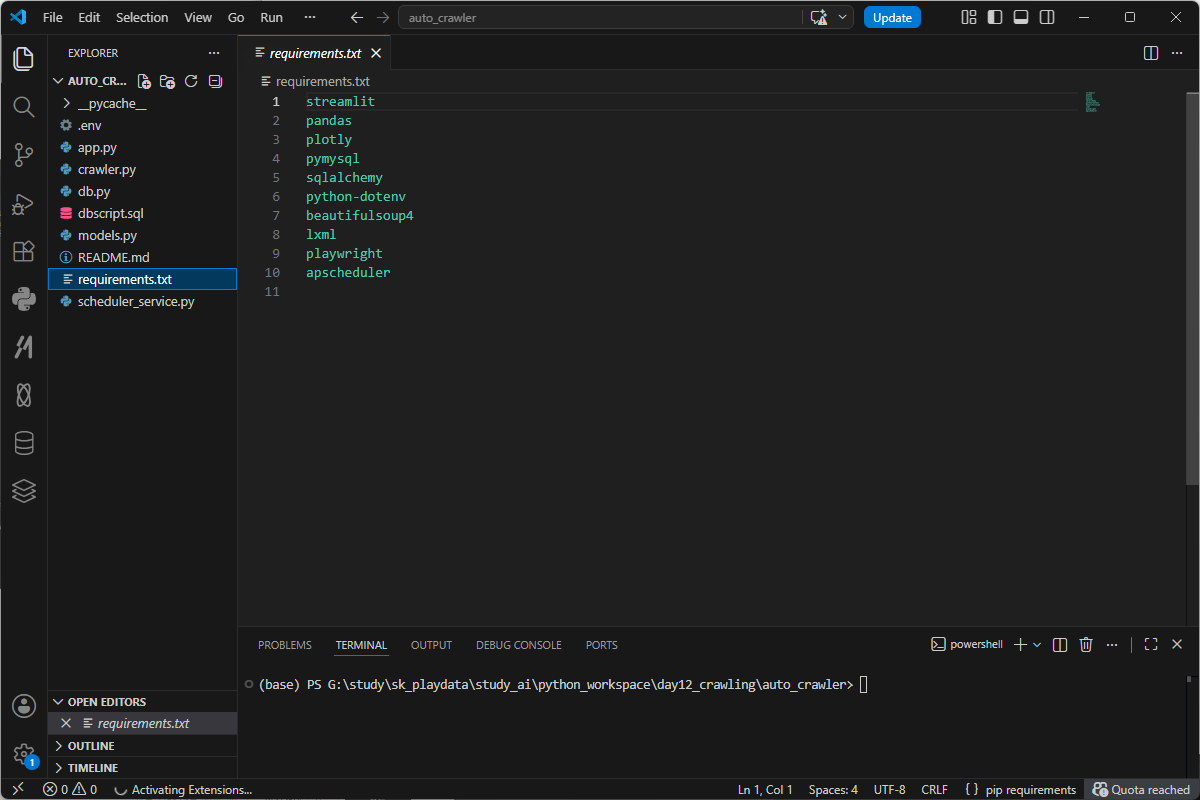
설치
cd auto_crawler_project
python -m venv venv
venv\Scripts\activate

pip install -r requirements.txt
playwright install chromium
정상적으로 설치한것같은데... 에러가 터졌다.
설치한 모듈이 없다한다.
tudy\sk_playdata\study_ai\python_workspace\day12_crawling\auto_crawler\scheduler
  _service.py:6 in <module>

      3
      4 # APScheduler의 백그라운드 스케줄러를 가져온다.
      5 # BackgroundScheduler는 프로그램이 실행되는 동안 백그라운드에서 작업을 예약 실
  ❱   6 from apscheduler.schedulers.background import BackgroundScheduler
      7
      8 # SQLAlchemy에서 SQL문을 안전하게 실행하기 위해 text를 가져온다.
      9 from sqlalchemy import text
────────────────────────────────────────────────────────────────────────────────────────
ModuleNotFoundError: No module named 'apscheduler'
(base) PS G:\study\sk_playdata\study_ai\python_workspace\day12_crawling\auto_crawler>
Is Streamlit still running? If you accidentally stopped Streamlit, just restart it in your terminal:

streamlit run yourscript.py
설치한 Python vs 실행하는 Python이 다르거나 pip install이 A 환경에 설치되고 streamlit이 B 환경에서 실행된걸수도 있다. 쨋던 없다하면 그냥 깔아주자.
시도했던 requirements를 다시 실행해도 이미 설치된것들은 pass하니 맘편히 실행한다.
python -m pip install apscheduler
python -m pip install -r requirements.txt
억울해하지말고 requirement.txt를 확인후 재설치하자.


